I got tired of flying blind — so I built OCC Desktop.

I run OpenClaw daily, and I was done bouncing between logs, sessions, and node checks. OCC Desktop is the Linux desktop "what's actually happening?" view for Gateway health, live sessions, node metrics, agent progress, usage/cost, pairing, and crew.

Grab it — $39
Why I built it

I built it to stop log-spelunking for basic health checks

…to see what agents are doing without guessing

…to catch stuck sessions before they waste hours

…to spot flaky nodes and resource issues fast

…to know when pairing broke (and who's offline)

…to track usage/cost like an adult

Here's what it looks like

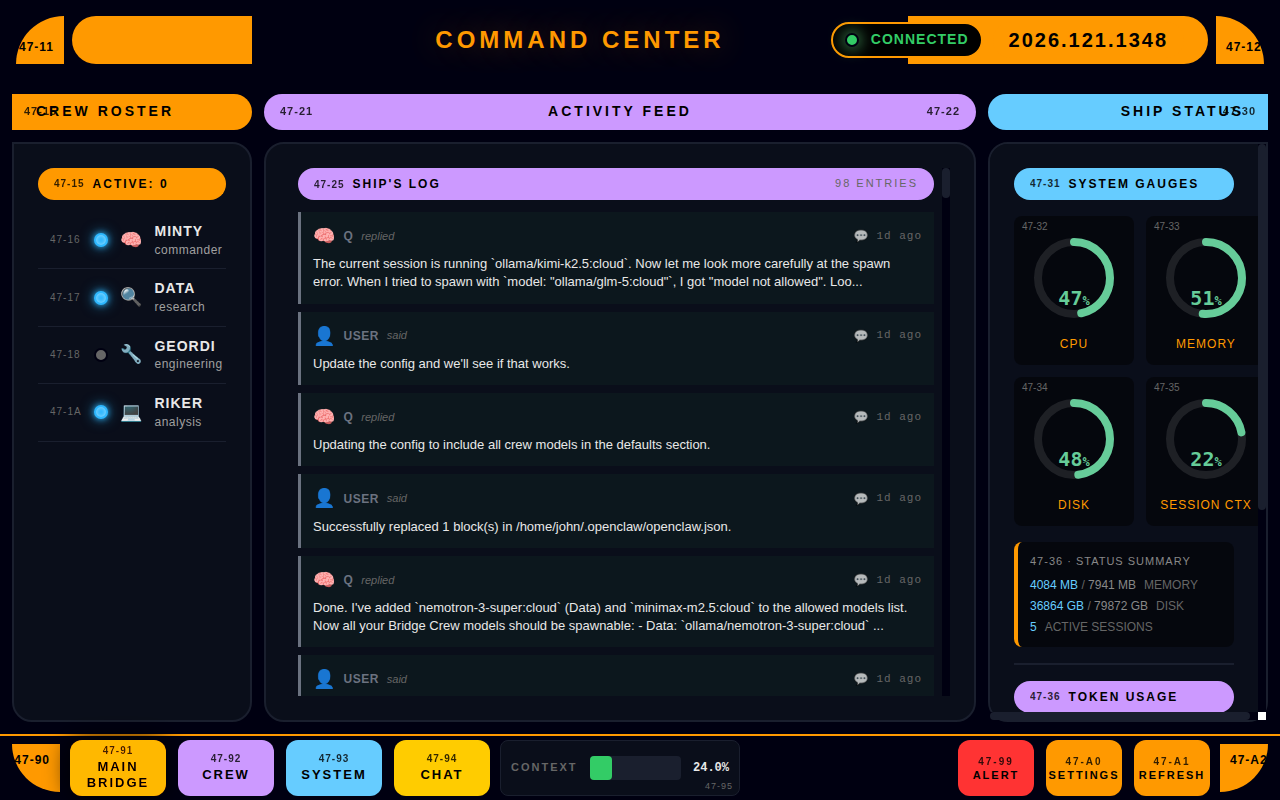
Main Bridge Dashboard
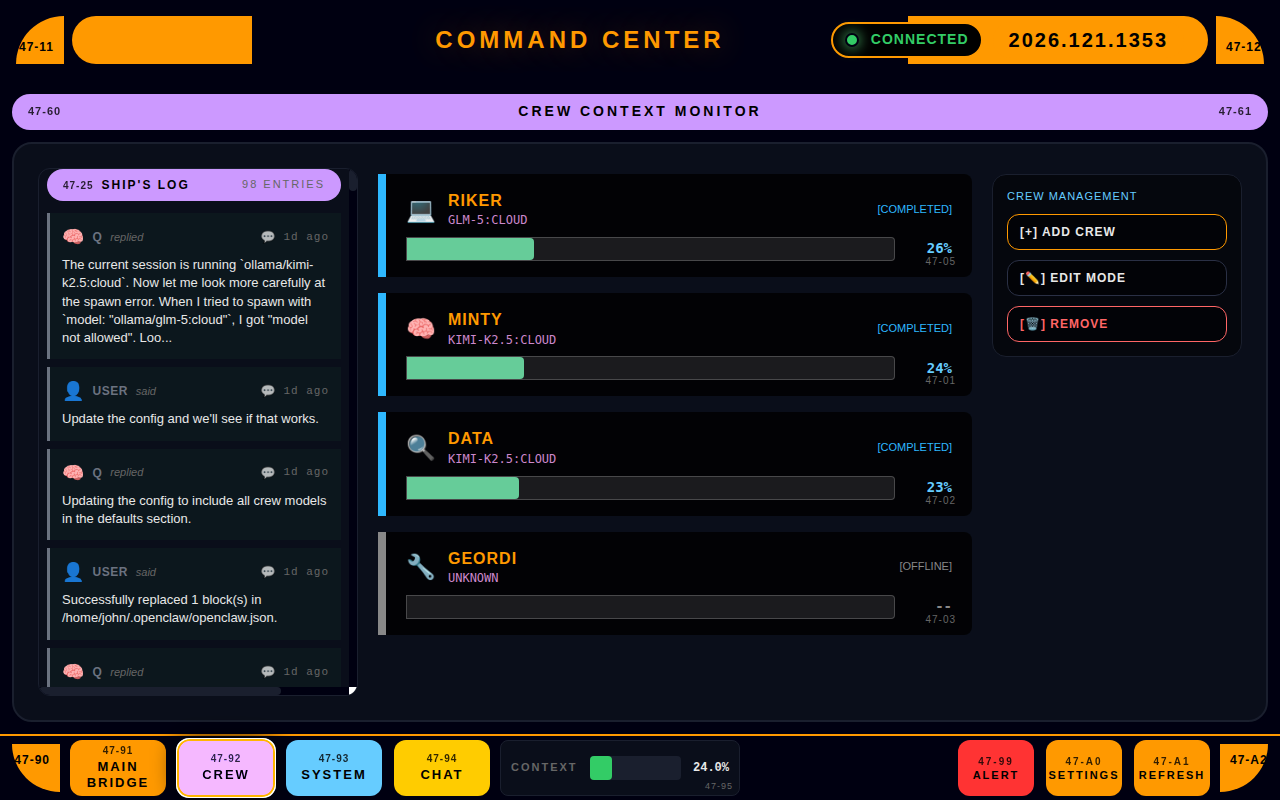
Crew Management
Crew Management
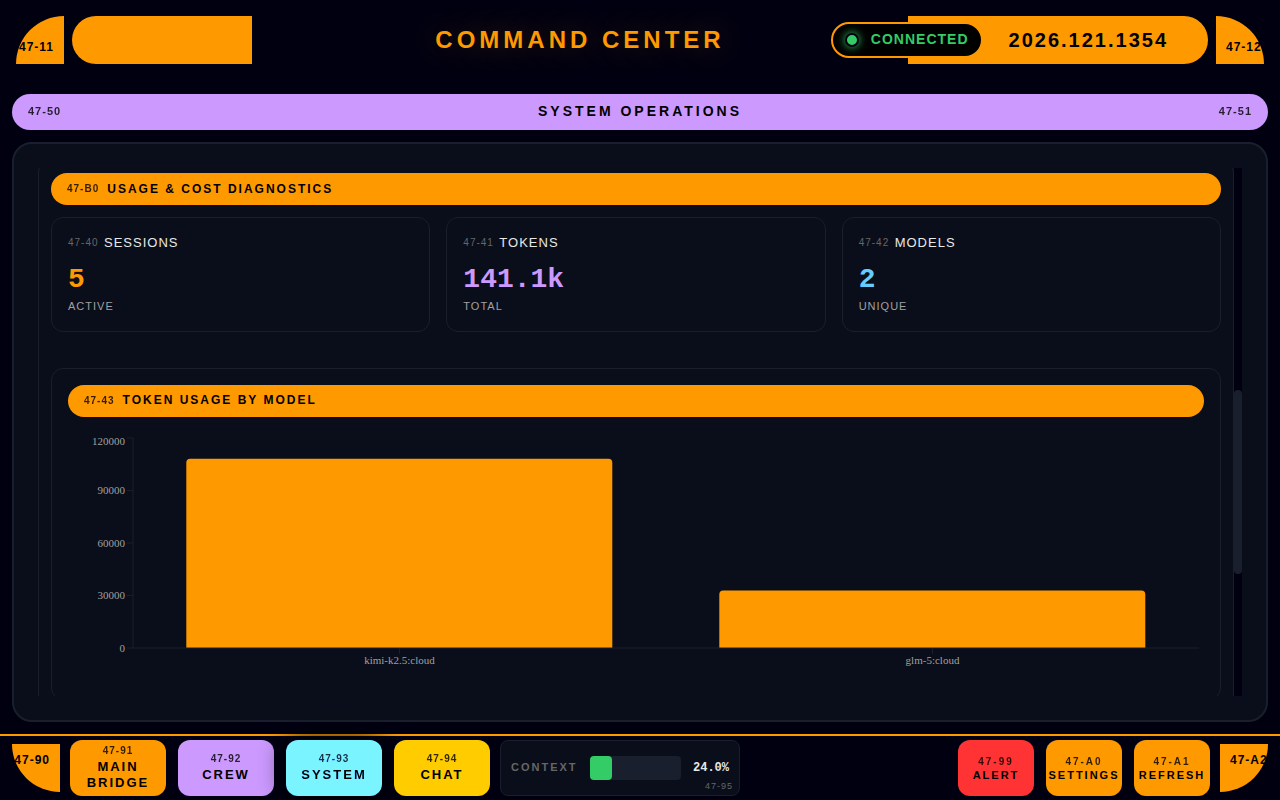
Usage & Cost Tracking
Command Chat
Command Chat

The bottom line

OpenClaw is great — until you're stitching together your own "dashboard" from terminals and mental state. I wanted one window that answers: what's healthy, what's running, what's stuck, and what needs attention. That's OCC Desktop.

One dev's solution. Maybe it'll work for you too.

Simple pricing

$39
Buy OCC Desktop (one-time) — $39 USD
  • Full app, no feature gates
  • Free updates for all v0.x releases
  • No subscriptions, no seats, no nonsense
  • 30-day money-back guarantee
Buy Now — $39