The problem

Stop babysitting your OpenClaw stack.

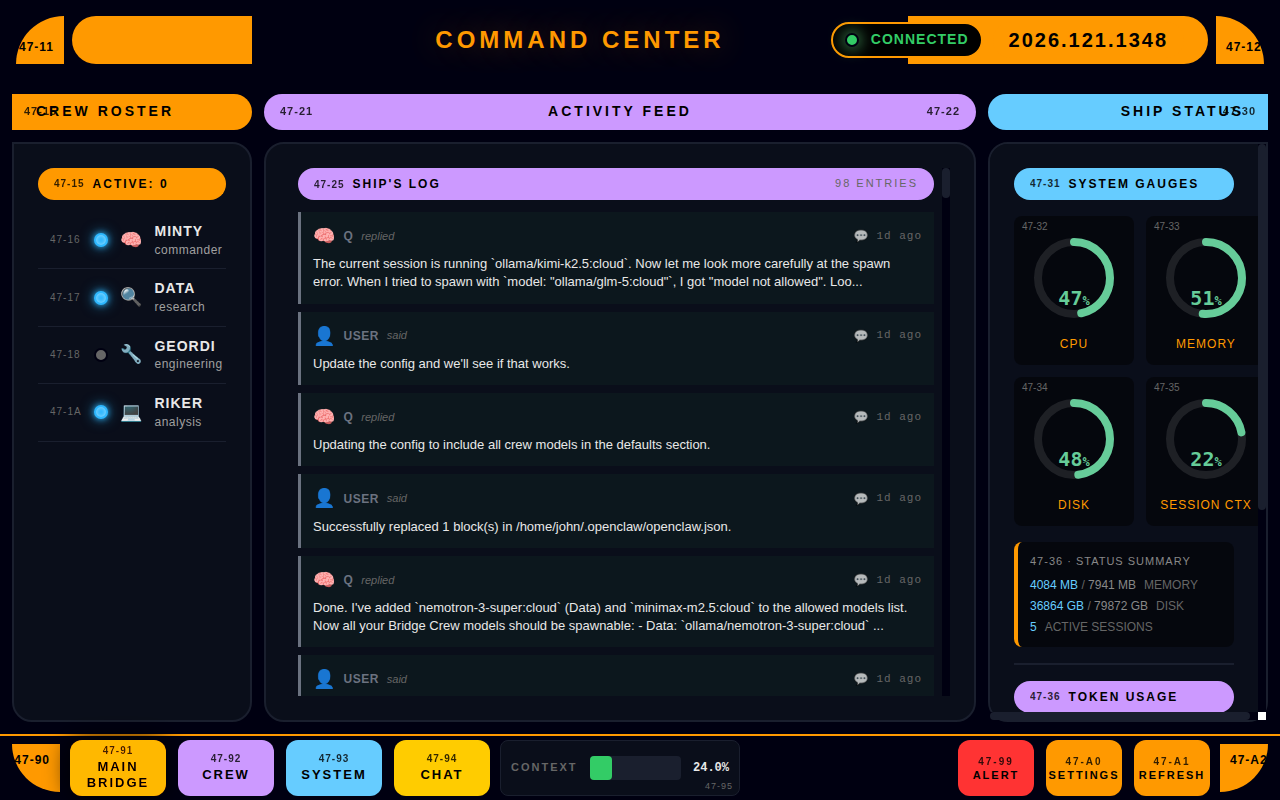
If you're juggling logs, sessions, and node checks across a bunch of terminals, you're already doing too much. OCC Desktop puts Gateway health, live sessions, node metrics, agent progress, usage/cost, pairing status, and crew management in one Linux desktop dashboard.

Fix this — $39
What you stop doing

With OCC Desktop installed

🚫

Stop tailing logs just to know if Gateway is alive

Live status on screen. If it goes down, you know immediately — no log spelunking required.

🚫

Stop guessing what your agents are doing

Per-agent progress cards show exactly what's running, what's stuck, and what finished.

🚫

Stop clicking between terminals to find the "one bad node"

All node metrics in one panel. Spot the outlier instantly — CPU, memory, disk, all of it.

🚫

Stop missing silent blockers in long-running sessions

Pairing requests and approval prompts surface immediately. No more wondering why nothing's happening.

🚫

Stop losing track of pairing / disconnected nodes

Pairing status badge and activity feed entries keep you aware of every node's connection state.

🚫

Stop hand-waving usage and cost

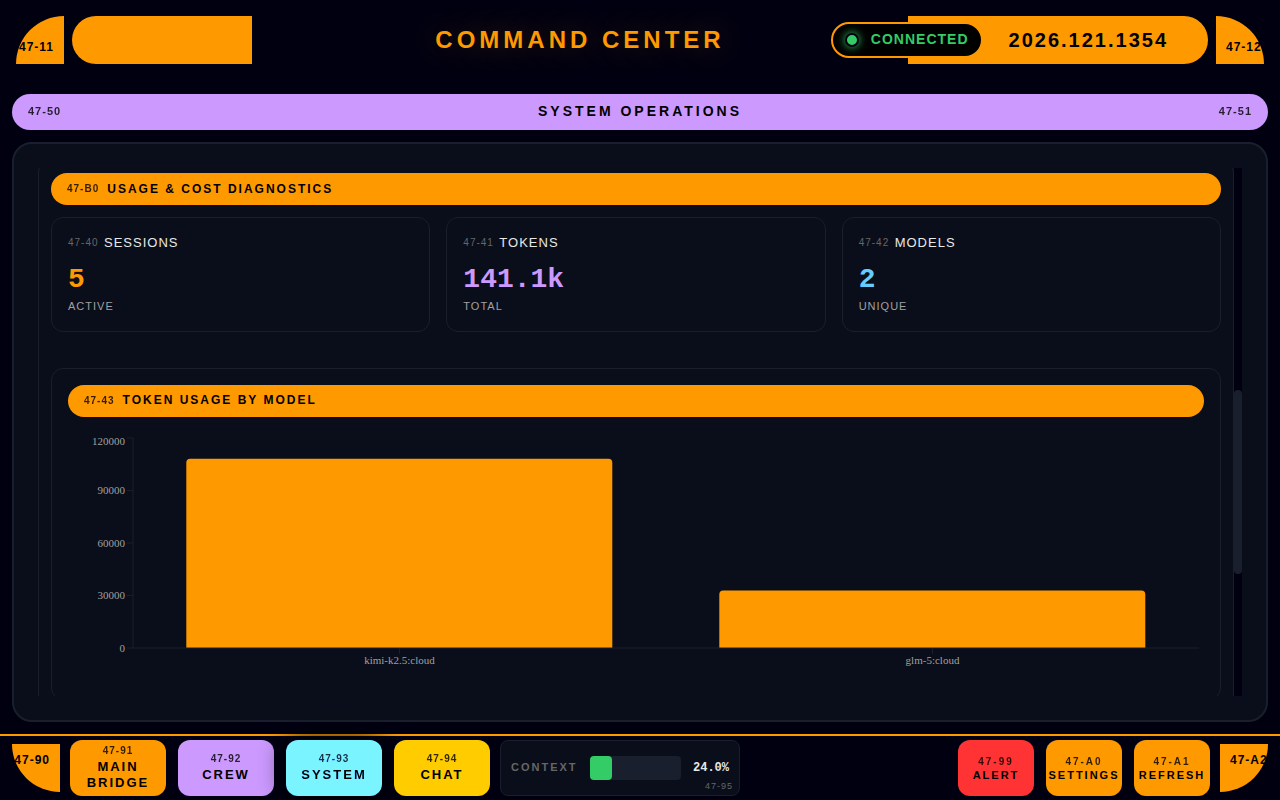
Token counts and model breakdowns per session. Know exactly what your stack is costing you.

What you get instead

Main Bridge Dashboard
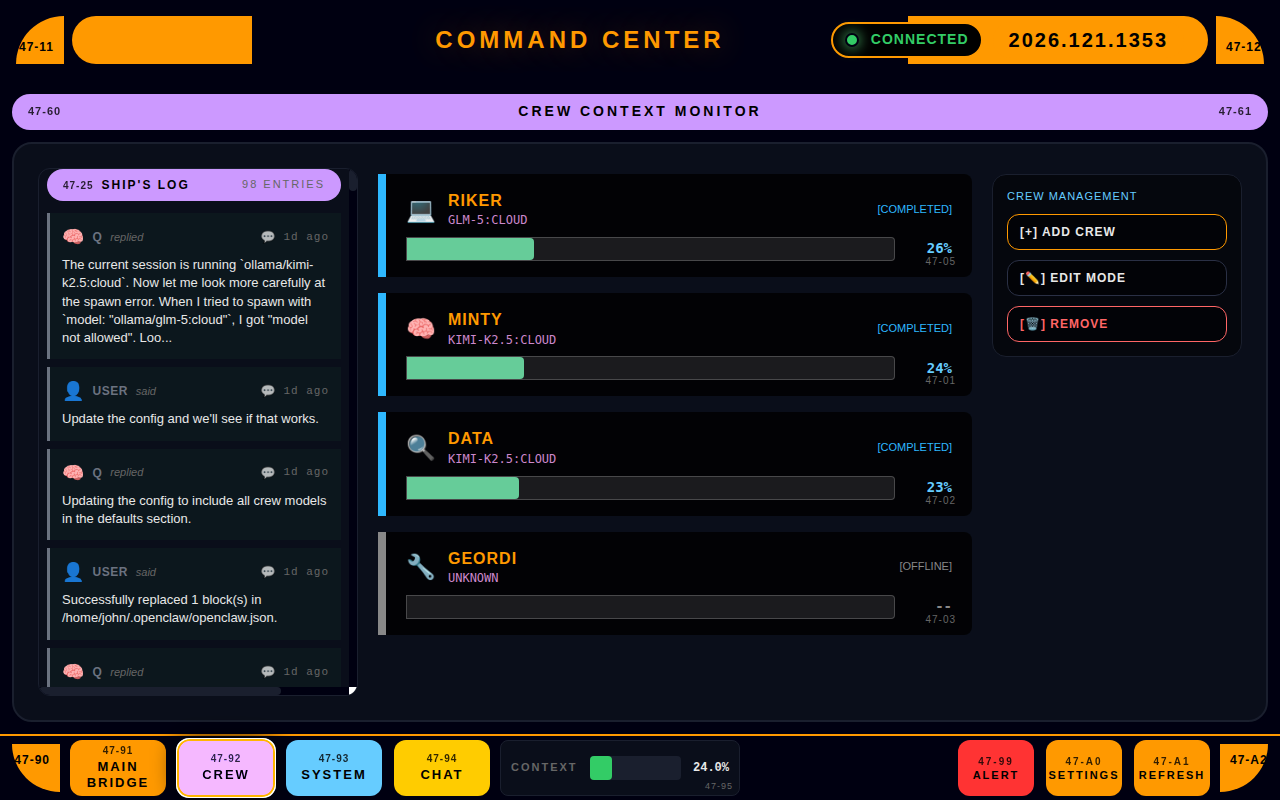
Crew Management
Crew Management
Usage & Cost Tracking
Command Chat
Command Chat

Why this exists

Self-hosting OpenClaw is powerful — and messy without a single "truth" screen. OCC Desktop replaces the ritual of log-hunting and manual spot checks with one window that tells you what's healthy, what's stuck, and what changed. Less noise, faster fixes.

One window. No more ritual.

Simple pricing

$39
One-time purchase — $39 USD
  • Full app, no feature gates
  • Free updates for all v0.x releases
  • No subscriptions, no seats, no nonsense
  • 30-day money-back guarantee
Buy Now — $39